
Introduction to Snipaste
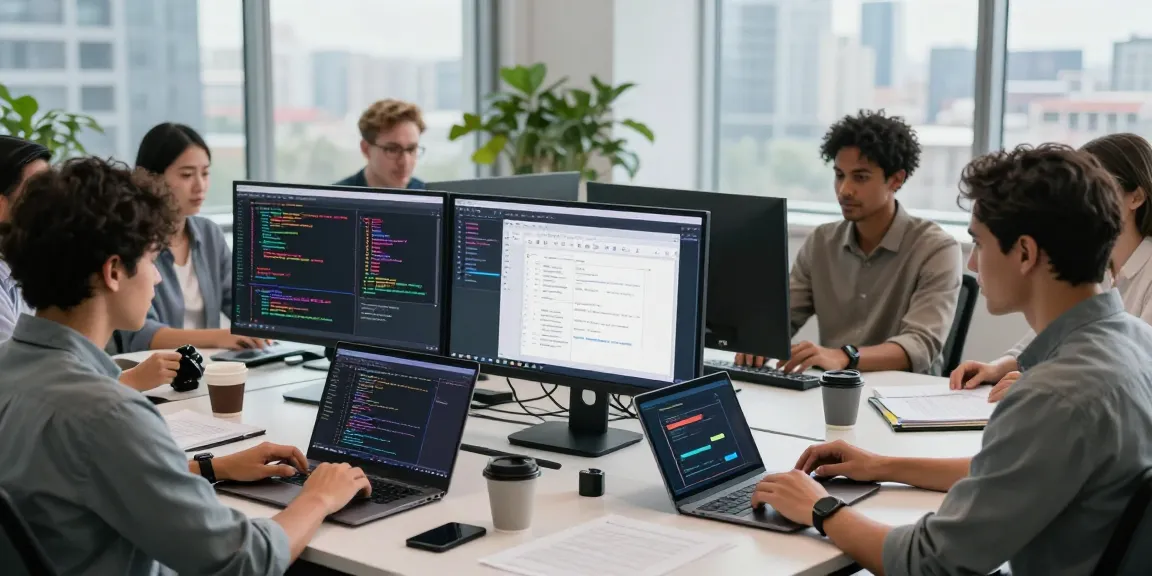
In an increasingly visual world, the ability to quickly capture and annotate screen content is paramount for professionals across various industries. Whether you’re a developer debugging code, a designer refining graphics, or an educator creating instructional materials, having a reliable screenshot tool can make all the difference in productivity. Snipaste emerges as a top-tier solution, providing comprehensive functionality tailored to streamline workflows and enhance collaboration.
What is Snipaste?
Snipaste is a versatile screenshot software designed to assist users in capturing images from their screens with ease. It allows individuals to snip specific areas or entire windows, making it ideal for tailored documentation, visual communication, and creative workflows. The tool stands out due to its unique features, including advanced annotation options and an offline Optical Character Recognition (OCR) capability, enabling users to extract text from images seamlessly.
The Importance of Screenshot Tools in Today’s Digital Work
In today’s fast-paced digital environment, effective communication hinges on the clear presentation of ideas. Screenshot tools like Snipaste play a critical role in this process by allowing users to share visual information instantly. This is particularly vital for remote teams, where visual aids can clarify messages and reduce misunderstandings. Additionally, with the rise of remote work and digital collaboration, the demand for efficient screenshot tools has never been higher.
Key Features of Snipaste
- Smart screenshot functionality for precise capturing of screen content.
- Robust annotation tools, including text, arrows, and shapes.
- Offline OCR for extracting text while preserving user privacy.
- Multiple screen and HiDPI support for high-resolution displays.
- A user-friendly interface that integrates seamlessly into daily workflows.
How Snipaste Enhances Workflow Efficiency
Adopting Snipaste can significantly impact productivity levels. Its intuitive design and powerful features allow users to capture and organize information quickly, making it easier to convey complex ideas visually. By leveraging these smart screenshot features, professionals can enhance their workflows and collaborate more effectively.
Utilizing Smart Screenshot Features
Snipaste’s smart screenshot capabilities enable users to capture not just images but also entire workflows. The tool automatically identifies borders and objects, allowing for pixel-perfect captures that eliminate the need for tedious adjustments. This precision is critical for tasks that require exact representations, such as user interface design or programming documentation.
Cohesive Annotations for Effective Communication
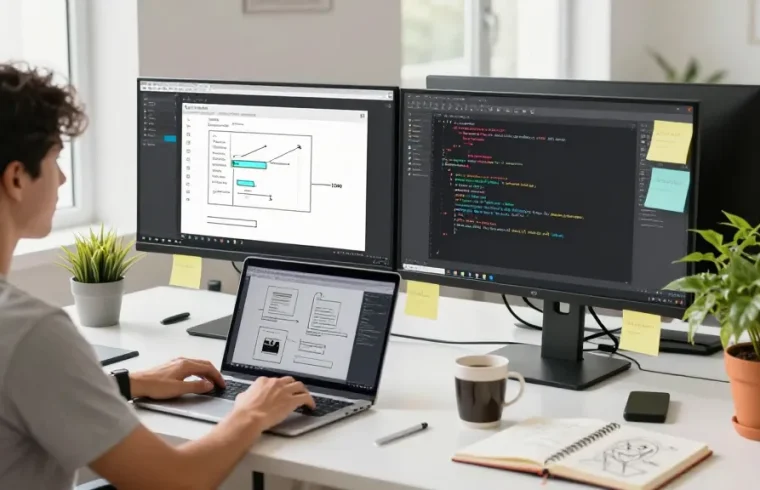
Effective communication often depends on clarity and detail. Snipaste’s annotation features allow users to add text, shapes, and marks directly onto their screenshots, facilitating a clearer exchange of ideas. These annotations can be customized to fit the needs of any project, ensuring that all stakeholders are on the same page.
Integrating Snipaste with Daily Tasks
Snipaste integrates effortlessly into daily tasks. Its easy-to-use interface allows users to capture, annotate, and share images quickly. Additionally, with customizable shortcut keys, the tool can be tailored to suit individual workflows, ensuring that productivity remains high without the learning curve typically associated with new software.
Exploring the Unique Capabilities of Snipaste
While many screenshot tools offer basic functionalities, Snipaste sets itself apart with its unique capabilities that cater specifically to the needs of professionals. From OCR technology to color picking, Snipaste enhances creative and technical work with smart tools designed to meet modern demands.
Offline OCR for Enhanced Privacy
One of Snipaste’s standout features is its offline Optical Character Recognition (OCR) capability. This function allows users to extract text from images without needing internet access, ensuring that sensitive information remains secure. This is particularly valuable for professionals handling proprietary content or confidential documents.
Color Picker and Design Support for Creative Professionals
For designers, color accuracy is paramount. Snipaste includes a precise color picker tool that allows users to obtain color values directly from their screens. This functionality supports workflows in graphic design and web development, enabling designers to create cohesive color schemes with ease.
Multi-Screen and HiDPI Support
With an increasing number of users working on multi-screen setups, Snipaste has been designed to work seamlessly across various displays. The software supports HiDPI displays, ensuring that screenshots are sharp and clear regardless of the resolution. This feature is essential for maintaining quality in high-resolution environments, which is commonplace in design and development industries.
Snipaste in Collaborative Environments
As teamwork and collaboration become central to project success, Snipaste serves as a valuable tool for fostering effective group interactions. Its functionality not only aids individual productivity but also facilitates better teamwork and communication.
Best Practices for Team Collaboration
To maximize Snipaste’s utility in collaborative settings, teams should establish best practices for screenshots. This includes creating a standardized approach for capturing and annotating images, ensuring consistency in communication. By utilizing Snipaste’s features, teams can create a shared visual language that enhances understanding and teamwork.
Real-World Examples of Successful Snipaste Implementation
Organizations across various sectors have successfully implemented Snipaste to streamline processes. For instance, software development teams utilize the tool to document code issues with precise screenshots, while marketing teams use it to create visual content for campaigns. These examples demonstrate the tool’s versatility and effectiveness across different contexts.
Measuring Communication Efficiency Improvements
With Snipaste, teams can assess improvements in communication efficiency by tracking how quickly and effectively information is conveyed. Metrics such as the time taken to resolve issues or the clarity of feedback can provide insights into how the tool enhances collaborative efforts.
Future Trends in Screenshot Tools and Snipaste’s Role
As technology evolves, so do the needs of professionals relying on screenshot tools. Future trends indicate a move towards greater automation and intelligence in these applications. Snipaste is poised to lead this evolution with innovative features that meet the demands of its users.
AI Integration in Screenshot Software
The integration of Artificial Intelligence (AI) into screenshot tools is anticipated to transform how users interact with their software. Future versions of Snipaste may include AI-driven features that automate annotation or enhance search capabilities, making it even easier to find and utilize past screenshots.
Predicted Developments for 2026 and Beyond
By 2026, screenshot software is expected to incorporate advanced functionalities such as automatic tagging and AI-assisted edits. Snipaste aims to stay at the forefront of these developments, continually improving its offerings to meet emerging needs. This focus on innovation will ensure that Snipaste remains a preferred choice for professionals.
Conclusion: Why Snipaste Stands Out in the Market
In summary, Snipaste is more than just a screenshot tool; it is an essential component of a professional’s toolkit. Its combination of smart features, efficiency enhancements, and privacy measures makes it a standout option in a crowded market. By prioritizing user feedback and embracing innovation, Snipaste is well-positioned to adapt to the changing needs of its users.
What are the key benefits of using Snipaste?
Users report numerous benefits from Snipaste, including enhanced productivity through streamlined workflows, improved communication via clear visual aids, and robust privacy protections with offline OCR capabilities. These advantages contribute to a more efficient and effective work environment.
Can Snipaste support different operating systems?
Yes, Snipaste is designed to be compatible with multiple operating systems, including Windows, macOS, and Linux. This cross-platform support allows users from diverse backgrounds to utilize the tool without facing compatibility issues.
Is there a mobile version of Snipaste available?
Currently, a mobile version of Snipaste is in development, promising to extend its powerful features to mobile users. This will further enhance the tool’s versatility, allowing for on-the-go capturing and annotation.
How does Snipaste maintain user privacy?
Snipaste prioritizes user privacy by offering offline OCR capabilities and ensuring that screenshots and annotations can be stored locally without transmitting sensitive information over the internet. This commitment to privacy makes it a preferred tool for professionals handling confidential data.
What are common challenges users face with Snipaste?
While Snipaste is highly regarded, users may occasionally encounter challenges, such as learning to navigate its extensive features or troubleshooting issues related to compatibility. However, the supportive community and comprehensive documentation help mitigate these concerns, ensuring users can maximize their experience.