

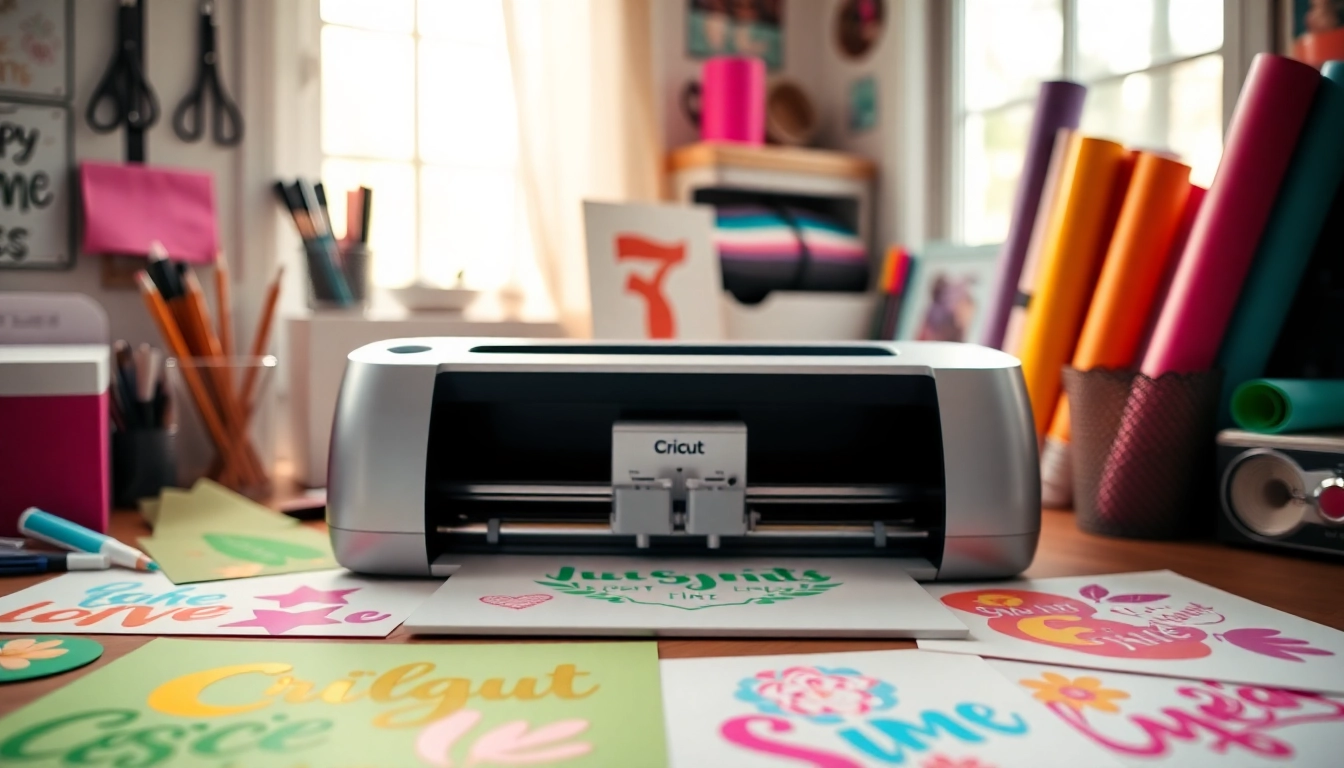
Understanding Cricut SVG Files
For crafting enthusiasts, especially those using Cricut machines, SVG files play a crucial role in creating stunning and intricate designs. A Cricut SVG file is a vector graphic that can be scaled infinitely without losing quality, ideal for crafting projects ranging from custom stickers to intricate paper cuts. As the crafting world continues to evolve, the importance of understanding and utilizing these digital files effectively has never been greater.
What Are Cricut SVG Files?
SVG stands for Scalable Vector Graphics, a format that allows for precise designs that are often used in cutting machines like Cricut. Unlike raster images, SVG files are made of paths rather than pixels, meaning they can be resized without losing clarity. This feature is vital for crafters who want to experiment with different sizes and applications.
Benefits of Using SVG for Cricut Projects
- High Quality: SVG files maintain their quality regardless of size adjustments, ensuring every cut is sharp and clean.
- Easy to Edit: Many design software applications allow crafters to edit SVG files easily, enabling custom modifications.
- File Size Efficiency: SVG files are typically smaller than their raster counterparts, which helps in managing storage and speed during the cutting process.
When exploring options, Cricut SVG resources provide comprehensive insights into various file types and their uses, guiding beginners and seasoned crafters alike.
Common Misconceptions About SVG Files
Despite their advantages, there are misconceptions surrounding SVG files. Some believe they are only suitable for advanced users, but many tools are available today that assist beginners in creating and using SVG files efficiently. Additionally, there is often confusion regarding compatibility; most modern cutting machines and design software can handle SVG files smoothly, making them accessible for all users.
How to Create Your Own Cricut SVG Designs
Creating your own Cricut SVG designs can be an empowering experience that enhances your crafting capabilities. With the right approach and tools, you can unleash your creativity and tailor designs to fit your personal style.
Choosing the Right Software for SVG Creation
Several design programs cater to different skill levels and project needs. Popular options include Adobe Illustrator, Inkscape (a free alternative), and Cricut Design Space. Each offers unique features suited for creating and manipulating SVG files.
Step-by-Step Guide to Designing SVG Files
- Start with a Concept: Sketch your design on paper or create a digital mock-up to visualize your project.
- Choose Your Software: Open your preferred software and create a new document sized for your project.
- Create Your Design: Use the drawing tools to create shapes, lines, and paths to form your design.
- Save as SVG: Once satisfied, export your design in the SVG format to ensure compatibility with your Cricut machine.
Best Practices for SVG File Optimization
To ensure that your SVG files work effectively with Cricut machines, follow these best practices:
- Keep it Simple: Avoid overly complex designs that could result in cutting errors.
- Use Paths: Convert text to paths to avoid font compatibility issues.
- Optimize for Size: Reduce unnecessary nodes in your design to minimize file size and enhance cutting speed.
Finding Quality Cricut SVG Files Online
With a wealth of resources available online, finding high-quality Cricut SVG files has become easier than ever. However, it’s essential to know where to look and what to consider when selecting designs.
Top Websites for Free and Paid Cricut SVGs
Several websites offer extensive libraries of SVG files, both free and paid. Notable options include:
- SVGCuts: Offers a vast selection of files tailored for various projects.
- Cricut Access: A subscription service providing access to thousands of curated SVG designs.
- Design Bundles: Features both free and premium SVG files with commercial licenses.
Evaluating SVG File Quality Before Downloading
Before downloading any SVG file, ensure you evaluate its quality through reviews, user feedback, and sample images. This approach helps to avoid low-quality files that may not perform well during cutting.
Utilizing Community Resources for Unique Designs
Crafting communities, such as those on platforms like Facebook and Reddit, are excellent sources for unique SVG designs. Engaging with fellow crafters can lead to discovering exclusive files and collaborative projects that enhance your collection.
Advanced Techniques for Crafting with Cricut SVG
Once you are comfortable with the basics of Cricut SVG files, exploring advanced techniques can take your crafting to the next level, allowing for more creativity and innovation.
Combining SVG Files for Unique Projects
Using multiple SVG files in one project is a great way to create complex designs. Software like Cricut Design Space allows for easy layering and combining of files, enabling you to construct unique pieces that showcase your creativity.
Layering Techniques for Professional Results
Layering different SVG designs can create depth and texture in your projects. When doing so, consider the order of your layers, and choose contrasting colors and materials to enhance the visual appeal.
Innovative Uses of Cricut SVG Beyond Traditional Crafts
Beyond scrapbooking and card making, Cricut SVG files can be used in various innovative projects, such as home decor, personalized gifts, and custom fashion items. Explore unconventional materials, such as wood or fabric, to expand your crafting repertoire.
Future Trends in Cricut and SVG Crafting
The crafting landscape continues to evolve, and staying ahead of trends will help ensure your projects remain contemporary and relevant. Here are a few predictions for the future of Cricut and SVG crafting.
Predictions for Cricut SVG Developments in 2026
As technology advances, it is likely that SVG file capabilities will improve, leading to more intuitive design interfaces and smarter cutting machines. Expect enhancements in the ease of importing and exporting files, as well as integrations with AI-driven design tools.
Embracing Technology in Crafting: AI and Automation
Artificial Intelligence is expected to play a significant role in crafting, with tools that suggest design modifications or automate repetitive tasks. This could open new avenues for both novice and experienced crafters, allowing more time for creativity.
The Evolution of Crafting Communities and Resources
As more people engage in crafting, the online community will likely continue to expand, providing resources, classes, and forums for sharing ideas and techniques. This evolution will foster collaboration and innovation among crafters across the globe.