Understanding TradingView: A Comprehensive Overview
In the fast-paced world of trading, access to timely information and powerful analysis tools is essential for success. TradingView stands out as a leading platform that brings together charts, technical indicators, and community insights all in one place. Whether you're a seasoned trader or just starting, understanding how to leverage TradingView can significantly enhance your market analysis approaches. With functionalities suitable for stocks, forex, cryptocurrencies, and derivatives, TradingView offers a comprehensive solution for traders to manage their portfolios effectively.
What is TradingView and Its Core Features?
TradingView is a popular online platform that provides advanced charting tools, social networking features for traders, and an array of widgets intended for market tracking and analysis. The platform is rich in features designed to cater to diverse trading styles, whether they are day traders, swing traders, or long-term investors. Key features of TradingView include:
- Real-Time Data: Access to real-time market data from global exchanges.
- Charting Tools: A robust charting engine that allows users to apply numerous technical indicators and customizable chart layouts.
- Social Networking: A community of traders where users can share ideas, strategies, and get feedback from peers.
- Alerts and Notifications: Customizable alerts that notify users of specific market movements based on indicators or price levels.
- Strategy Tester: A built-in feature for backtesting trading strategies using historical data.
How TradingView Facilitates Market Analysis
Market analysis is more than just observing price movements; it involves synthesizing data from multiple resources to make informed decisions. TradingView facilitates this through its integrated tools:
- Customizable Layouts: Users can configure their workspaces with multiple charts and indicators to monitor various assets simultaneously.
- Fundamental Data: Access to earnings reports, news, and economic calendars directly alongside charts aids in contextualizing market movements.
- Heat Maps and Screeners: Visualization tools help identify trends and opportunities swiftly.
- Community Insights: With a large user base, traders can explore the community section for trending stocks and shared strategies.
Establishing Your Trading Habits Using TradingView
Building consistent trading habits is key to managing risk and achieving long-term profitability. Here are four essential steps to establish your unique trading routine using TradingView:
Four Steps to Create Your Unique Trading Routine
- Define Your Trading Goals: Outline your objectives, whether they focus on capital appreciation, income generation, or hedging.
- Choose Your Assets Wisely: Decide which markets (stocks, forex, crypto) you want to trade, and focus your analysis on those sectors.
- Create Watchlists: Use TradingView to build watchlists of your preferred assets and monitor them closely for trading signals.
- Develop Testing and Review Processes: Regularly backtest your strategies in the Strategy Tester and refine your approach based on results.
Utilizing TradingView's Alerts and Notifications
TradingView's alert system is one of its most advantageous features, allowing traders to stay informed without constantly watching the charts. Notifications can be set based on technical indicators, price levels, or custom scripts written in Pine Script. This ensures that you are alerted only when critical conditions arise, helping to focus your trading efforts effectively.
Customizing Your Trading Layout for Optimal Performance
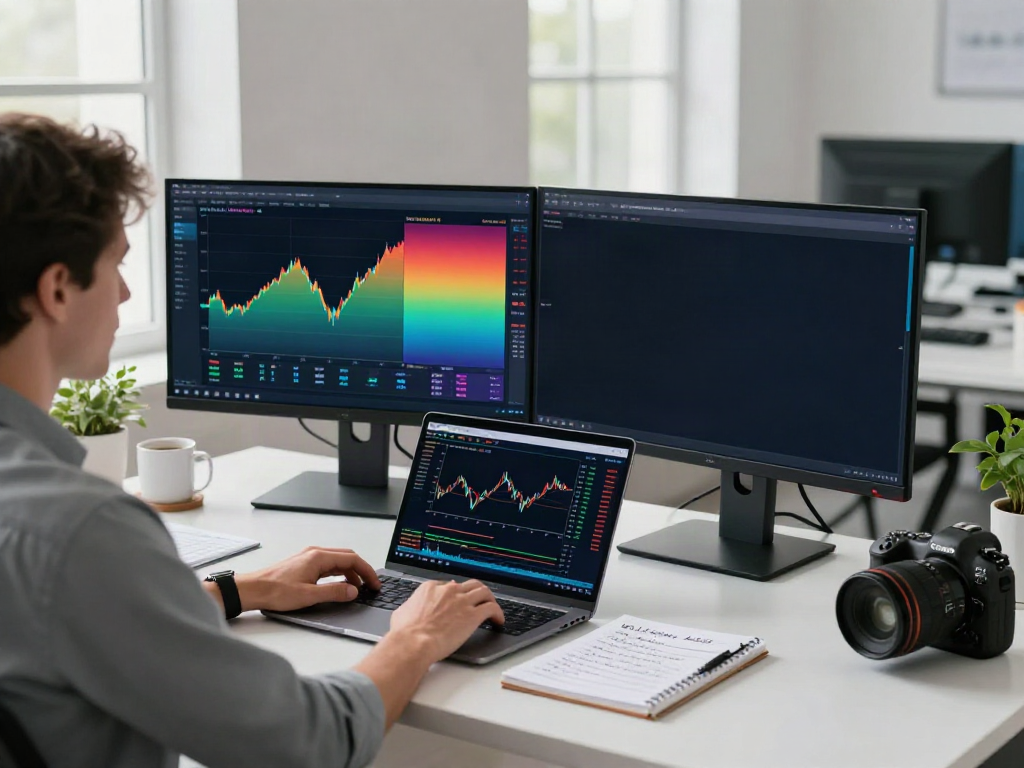
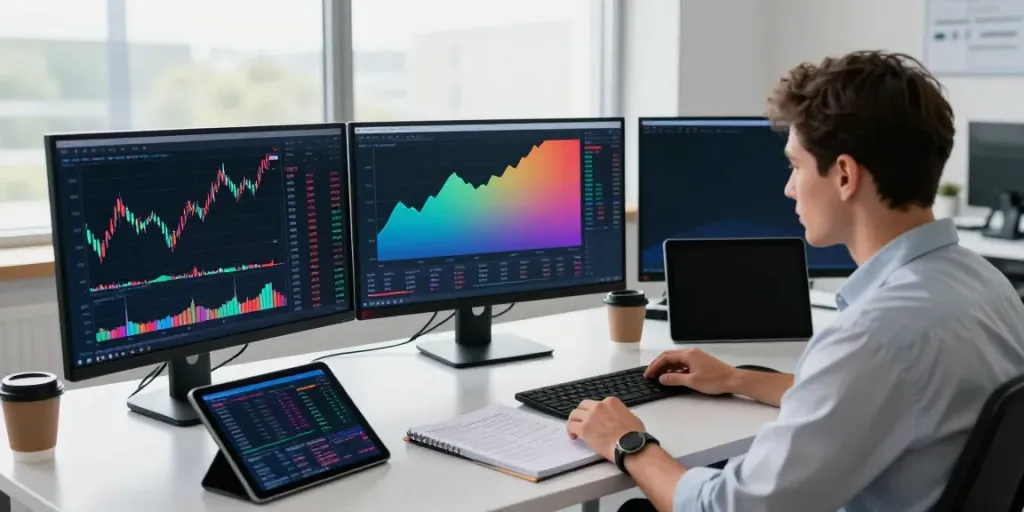
A personalized trading layout can dramatically improve efficiency. TradingView supports multiple screen setups and custom indicators, allowing users to access significant data without visual clutter. By tailoring your workspace to prioritize the most relevant information, you can enhance your decision-making speed and accuracy.
Implementing Technical Analysis with TradingView
Technical analysis is a critical skill for successful trading. TradingView provides extensive functionality to help traders implement effective technical analysis strategies:
Using Chart Patterns and Technical Indicators Effectively
TradingView equips users with a wide array of technical indicators, such as moving averages, RSI, MACD, and Bollinger Bands. These indicators can be easily incorporated into your charts and combined to create comprehensive trading strategies. Understanding how to interpret these indicators alongside chart patterns is essential for making informed trading decisions.
Backtesting Strategies with TradingView’s Strategy Tester
One of the most powerful tools within TradingView is the Strategy Tester, which allows traders to evaluate the profitability of their trading strategies using historical data. By simulating past trades, users can identify strengths and weaknesses in their approach, refine their strategies, and ultimately improve decision-making in real-time trading environments.
Understanding Market Sentiment through Community Insights
The TradingView community is a valuable resource for gauging market sentiment. Traders share insights, strategies, and predictions, which can provide guidance on upcoming price movements. Engaging with community discussions, following prominent analysts, and even contributing to the dialogue can enhance your overall trading acumen.
Advanced Tools and Features for Professional Traders
For professional traders seeking deeper insights and customization, TradingView offers several advanced features:
Leveraging Pine Script for Custom Indicators
Pine Script is TradingView's powerful scripting language that enables users to create custom indicators and alerts tailored to their unique trading strategies. By developing personalized scripts, traders can enhance their analysis and automate certain aspects of their trading routine.
Utilizing Supercharts for Enhanced Visualization
Supercharts provide an interactive and visually appealing way to analyze multiple assets. This feature allows users to compare different instruments side by side, identify correlations, and spot potential trade setups more effectively.
Connecting to Brokers for Seamless Trade Execution
TradingView facilitates direct connections with supported brokers, allowing traders to execute trades directly from the platform. This feature streamlines the trading process, making it more efficient to manage orders without switching platforms.
FAQs about TradingView
Is TradingView actually free?
TradingView offers a free tier with access to many basic features, but premium subscriptions unlock additional functionalities and advanced features.
Can new traders benefit from using TradingView?
Absolutely! New traders can leverage TradingView's intuitive interface and educational resources to improve their trading skills and market understanding.
What strategies work best with TradingView?
TradingView is versatile, supporting various trading strategies, from technical analysis to fundamental analysis, making it suitable for a wide range of trading styles.
How does TradingView compare to other platforms?
TradingView stands out for its user-friendly interface, extensive community features, and robust charting capabilities compared to traditional trading platforms.
What are the best practices for using TradingView?
Effective practices include regular backtesting, using alerts to manage trades, and engaging with the community to refine strategies based on collective insights.